Imagine you have to train a new employee, want to create an internal training library, or need to produce some client onboarding videos.
Sure, you can record a series of videos with ScreenRec. But what if you need someone else to work together with you?
ScreenRec’s User Seats feature will help you do just that. Instead of downloading and uploading videos, it enables you to create a shared workspace in the cloud. When someone on your team records a video or a screenshot, it becomes visible to everyone else.
Here’s how to use User Seats:
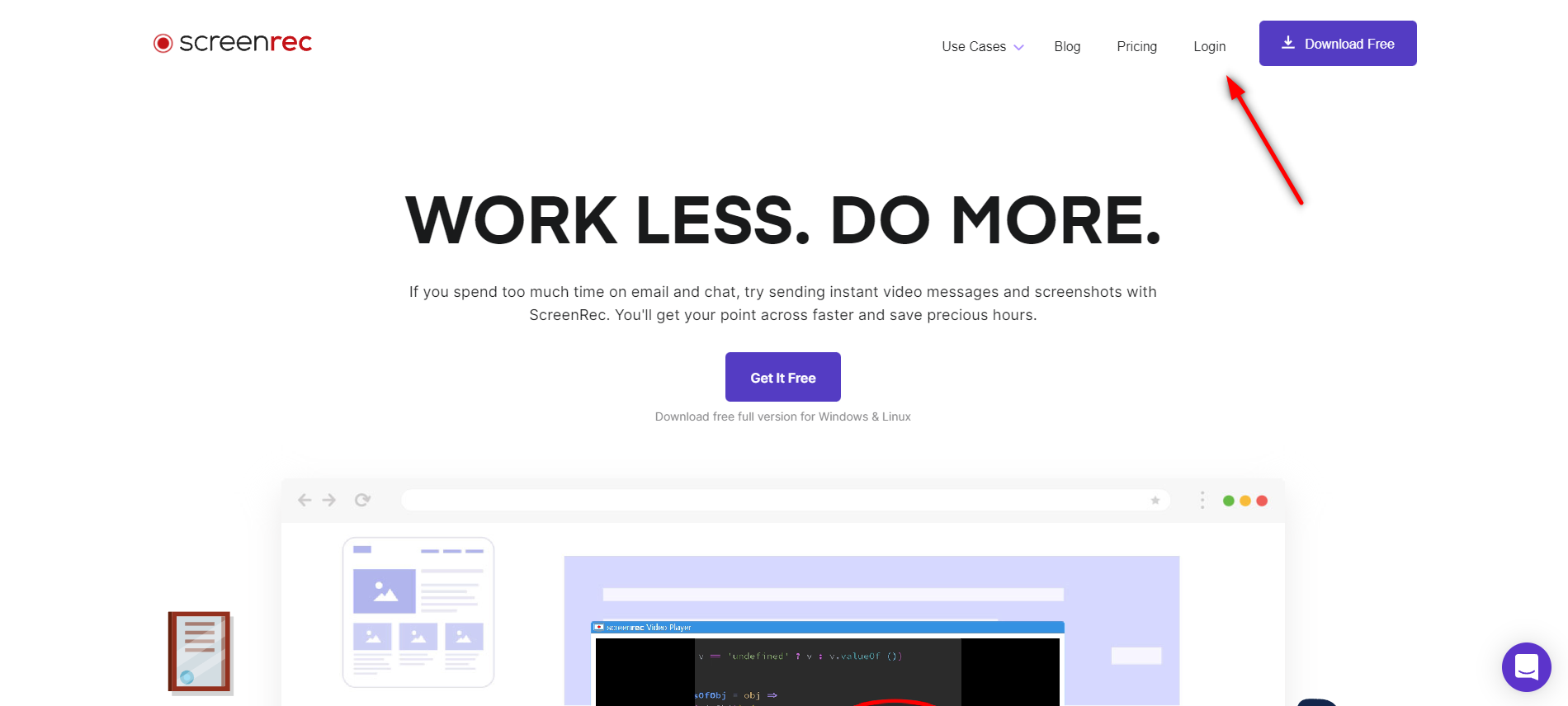
1. Log in to the media panel via the ScreenRec website.
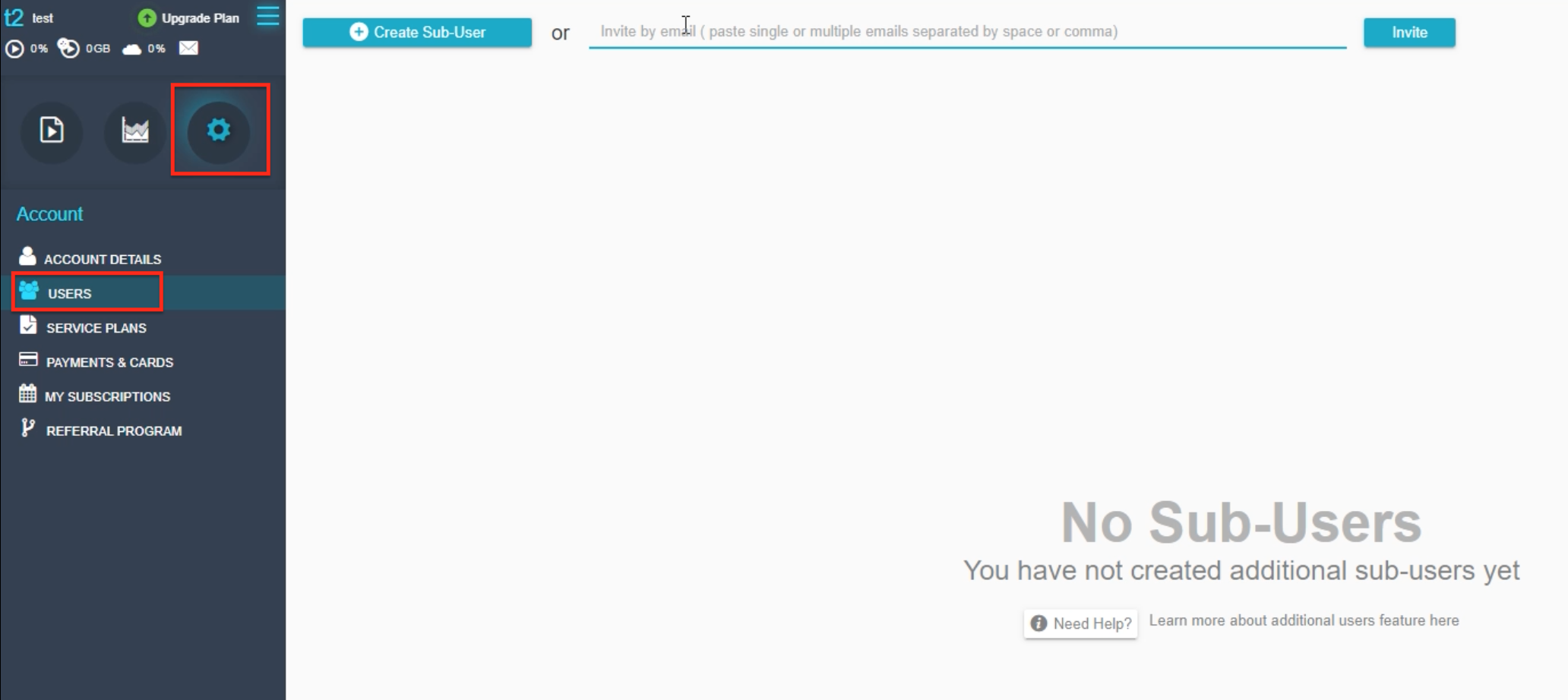
2. Go to Settings ⚙️ and click Users👤 on the left-hand side
3. You can invite up to 2 users on the Trial plan that you are currently using. Enter their emails separated by space and click Invite.
4. They have to open their email and confirm the invite. You can click the three dots on the right-hand side to cancel or resend the invitation.
5. When the user confirms their invitation, you will be able to see a report about the bandwidth and storage they are using.
Being able to work together in the cloud will certainly help you finish that project faster!
Helping 9 million people around the world to stay connected.
Copyright @ 2026 ScreenRec All Rights Reserved.
524 Union St, San Francisco, CA 94133, United States
You are receiving this email because you signed up for ScreenRec.
If you wish to change the types of emails you receive or unsubscribe from all future emails, please click here.





Leave a Reply